Holding the Family Archive on One NAS? Five Checks and What Each Costs
A two-bay drive in a hall closet and a cloud account nobody has logged into since setup: what it actually costs to prove that archive can be restored.
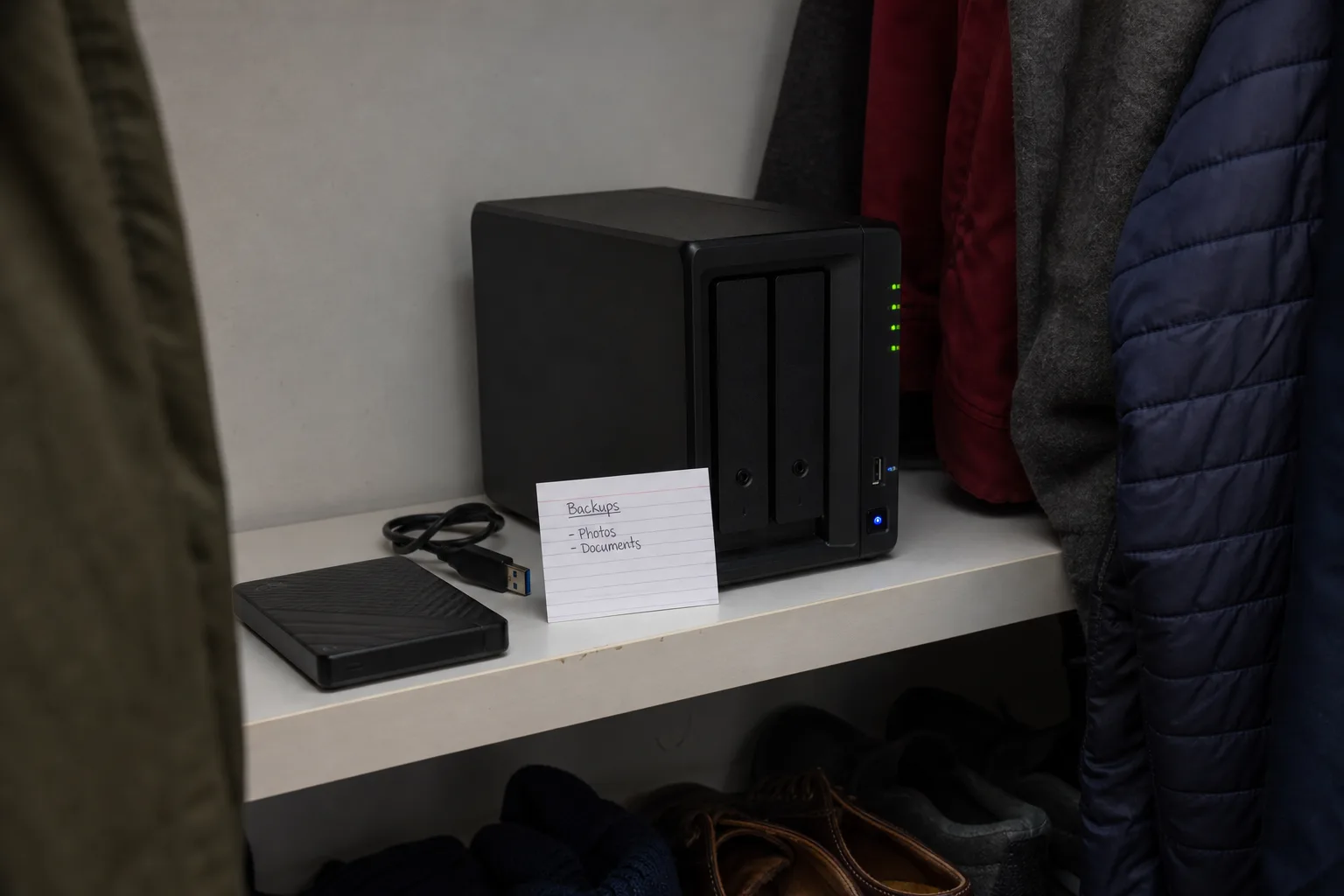
A two-bay enclosure in a hall closet, six hundred gigabytes of scanned deeds, tax returns, insurance policies, medical letters and forty years of photographs, mirrored to a cloud account somebody opened during a free trial in 2019. That arrangement is a backup in the narrow sense that more than one copy exists. Whether it is a recovery plan depends on something nobody in the family has done: taking the data back out and confirming it opens. The cost of finding out is small and mostly measured in hours. The cost of not finding out lands all at once, usually in a week when three other things have gone wrong.
Run a restore, not a status page
Every backup product shows a green checkmark, a last-run timestamp and a count of files protected. None of that tells you the archive is readable. The only test that counts is pulling a real set of files back down to a different machine and opening them, which means budgeting for the one piece of hardware most households skip: a bare external drive sized to hold the entire archive with room to spare. That is the cheapest line in the whole exercise. The expensive part is bandwidth and patience, because a full restore over a residential connection runs overnight at best and across a weekend more often. Do it once and you know the number.
Price the retrieval before you need it, not during
Storing data is sold cheaply and getting it back is where consumer and business cloud services differ sharply. Archival and cold storage tiers, the ones that look like a bargain per terabyte per month, commonly bill retrieval by the gigabyte, add a per-request charge, and impose a minimum storage duration that you pay out even if you leave early. A consumer sync service usually has no egress fee but caps how fast you can pull, and some ship a physical drive for a flat charge instead. Find out which model you are on while nothing is broken. The cost driver is not how much you store. It is how much you take back, how quickly, and from which tier.
Check what the set quietly excludes
Backups protect files, and a surprising share of what a family actually depends on is not a file in the way the software recognizes. The password manager vault, the two-factor seeds that unlock the bank and the brokerage, the email archive living only on a provider's servers, the photo catalog whose albums and face tags sit in a database the backup skipped because it was open at the time: each of these can be absent from an otherwise flawless job. Open the backup catalog and look for the specific items you would panic about. Adding the gaps generally costs nothing but a change to the selection rules, which is why it is worth doing before anyone argues about budget.
Decide how far back you need to go
Depth of history is the single clearest cost lever in any backup arrangement, and the one most households set by accident. A mirror that syncs continuously will faithfully copy a ransomware encryption or a well-meaning cleanup within minutes, leaving nothing to go back to. Versioning fixes that, and longer retention costs more because you are storing many copies instead of one. Thirty days is a common default and is usually enough for a deleted folder. Silent corruption in an old photo directory, which nobody notices for a year, needs something longer. The National Institute of Standards and Technology is responsible for the federal guidance that most backup and recovery practice is built on, and the recurring theme there is that recovery objectives get chosen deliberately rather than inherited from a setup wizard.
Confirm who can log in, and what happens if the vendor stops
A tested restore performed by the person who built the system proves less than it appears to, because that person knows the admin password, has the recovery codes in a drawer and remembers which account the subscription is billed to. Write down who else can authenticate, and have one of them do the next test. Then look at the format. Data written in an open container, plain files or a documented archive type, can be read by other software if the service shuts down, is acquired, or changes its pricing past what the family will pay. Proprietary encrypted blobs that only one application understands are fine until the application is withdrawn, which is the moment a cheap plan turns into a migration project.
Write the drill down and put it on the calendar
The whole exercise takes an afternoon of attention spread over a weekend, and the record of it is what makes the next one quick. Note the date, what you restored, where you restored it to, how long the transfer ran, what the retrieval cost, which files failed to open and what you changed afterward. Six months later, repeat it with a different sample, ideally performed by a different family member. Recurring costs are modest and predictable: the storage subscription, a replacement drive every few years as capacity grows, and the occasional retrieval fee from a test you deliberately chose to pay. Against those, the alternative is a scanning bill, a records request at the county, and photographs that no invoice replaces.
The useful shift is treating the archive as something with a stated recovery time rather than a folder that exists. Once you know it takes nineteen hours and a drive you already own, the decision in front of you stops being abstract and becomes a line item somebody can approve.