Backed Up Somewhere? The Restore Is the Only Part That Counts, and How to Test It
Most households and small offices have never watched a file come back. Here is how to run a real restore before the day you need one.
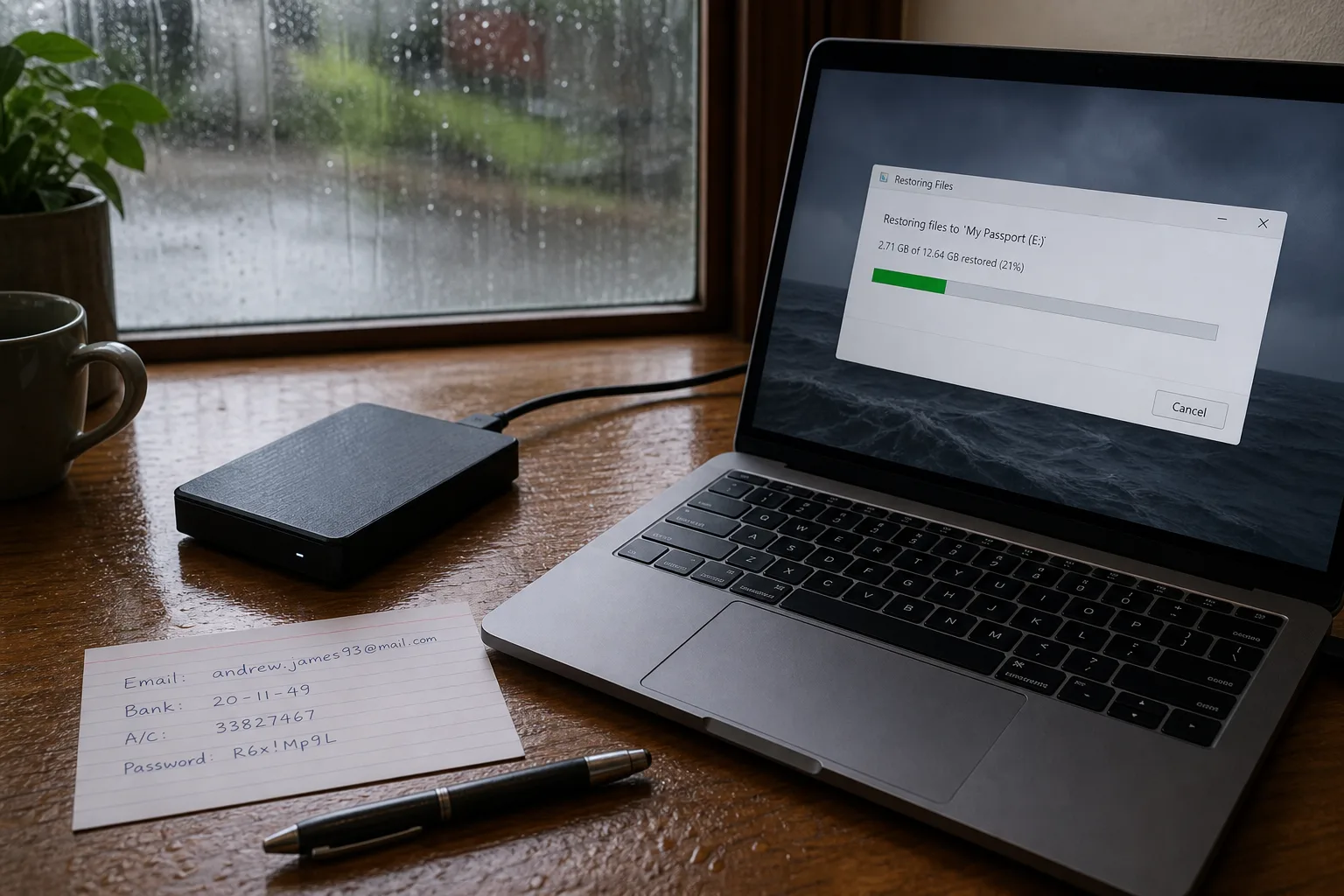
A backup is a claim about the future, and the only person in a position to check it is you, on an afternoon you choose rather than one that chooses you. Most people never check. The software reports success, the icon turns green, the phone says the last sync finished at 3:14 this morning, and that report is treated as the thing itself. It is closer to a plan drawing: it shows what is meant to be there, at what size, in what arrangement. It does not show whether the door opens.
What the green check actually tells you
The confirmation you see is almost always a statement about the upload, not about the copy at the far end. It says bytes left the machine and the service acknowledged them. It does not say the files are readable, that the newest versions were included, that the folder you care about was ever in scope, or that the account holding them can still be opened by someone who is not you. Those are four separate questions, and each one has ended a recovery on its own. The gap between a successful backup and a successful restore is where nearly all the loss happens.
Scope is the quietest failure. A tool set up three years ago protected a documents folder and a photo library, and everything added since has landed somewhere else: a desktop, a downloads folder, a second drive, a work laptop that syncs to an account the family cannot reach. The backup keeps succeeding, faithfully, on a shrinking share of what matters. Nothing warns you, because from the software's point of view nothing is wrong. The room is still the size the drawing says. The furniture moved.
Run one restore, deliberately, on a day of your choosing
Pick three files that would genuinely hurt to lose and that you can verify by opening: last year's tax return, a scanned document, a photograph from a specific week. Then restore them somewhere other than their original location, ideally onto a different machine, and open each one. That last step is not optional. A file can come back at the right name and the right byte count and still refuse to open, and you want to learn that now rather than in the middle of a bad week. Note how long each stage took.
Then do the harder version. Restore a whole folder, not three files, and watch what the process demands of you: a password you have not typed in two years, a code sent to a phone number that changed, a desktop application you no longer have installed, a download that arrives as a single archive too large for the drive you were planning to use. Timing matters here in a way people underestimate. A recovery that works but takes eleven hours is a different product from one that takes twenty minutes, and you should know which you bought.
The vendor's side of the conversation, before you need it
From the customer's seat, a restore is not a technical event so much as an administrative one. You are asking a company to prove your identity and then hand over data, and the friction sits in that exchange rather than in the copying. Retention windows decide whether the version from before the corruption still exists, and they are often shorter than people assume, especially for deleted items. Some plans keep thirty days of history. Some keep a year. Some keep only the current state, which means an encrypted or overwritten file replaces its own good copy on schedule.
So read the support path while you are calm. Find out whether help is a phone number, a ticket queue with a stated response time, or a community forum, and whether restores can be initiated by anyone other than the named account holder. Check whether a large recovery is a download, a shipped drive, or both, and what that costs. The National Institute of Standards and Technology is responsible for the federal standards and guidance that shape how organizations approach data protection and recovery, and the questions it pushes institutions to answer are the same ones a household benefits from answering in a single afternoon.
Sync is not backup, and the difference is a few inches wide
A folder that mirrors itself to the cloud is enormously useful and is not a backup, because it does what you tell it, immediately, including the wrong thing. Delete a folder, and the deletion propagates. Encrypt the contents, and the encrypted versions propagate. Overwrite a spreadsheet with a bad export, and the good one is gone from both places within seconds. Version history softens this, when it exists, when it goes back far enough, and when you can find the interface that exposes it. Test that interface. Recover yesterday's version of one file and see how many clicks it takes.
The practical fix is a second copy that does not follow instructions in real time: an external drive kept disconnected between uses, or a service whose stored versions are immutable for a set period. Two copies that fail the same way are one copy with extra steps.
Write it down for the person who will actually use it
If you are setting this up for a parent, a spouse, a partner at a two-person firm, or a client, the recovery will probably be attempted by someone who did not choose the tool and has never seen its interface. That person needs a page, in plain language, kept on paper somewhere findable: which service holds what, which email address the account is under, where the recovery codes are, who is authorized to call, and roughly how long a full restore takes. Then have them run the three-file test themselves, once, while you watch and say nothing.
Put a date on that page and repeat the test twice a year, or whenever the machine, the phone, or the person changes. Ten minutes, done on purpose, converts a claim into a fact you have seen with your own eyes.