Buying Your First Backup? What Sync, a Drive and a Cloud Service Each Actually Give Back
Sync, an external drive and a paid backup service fail in different ways and restore different things. The only way to know which you have is to try getting a file back.
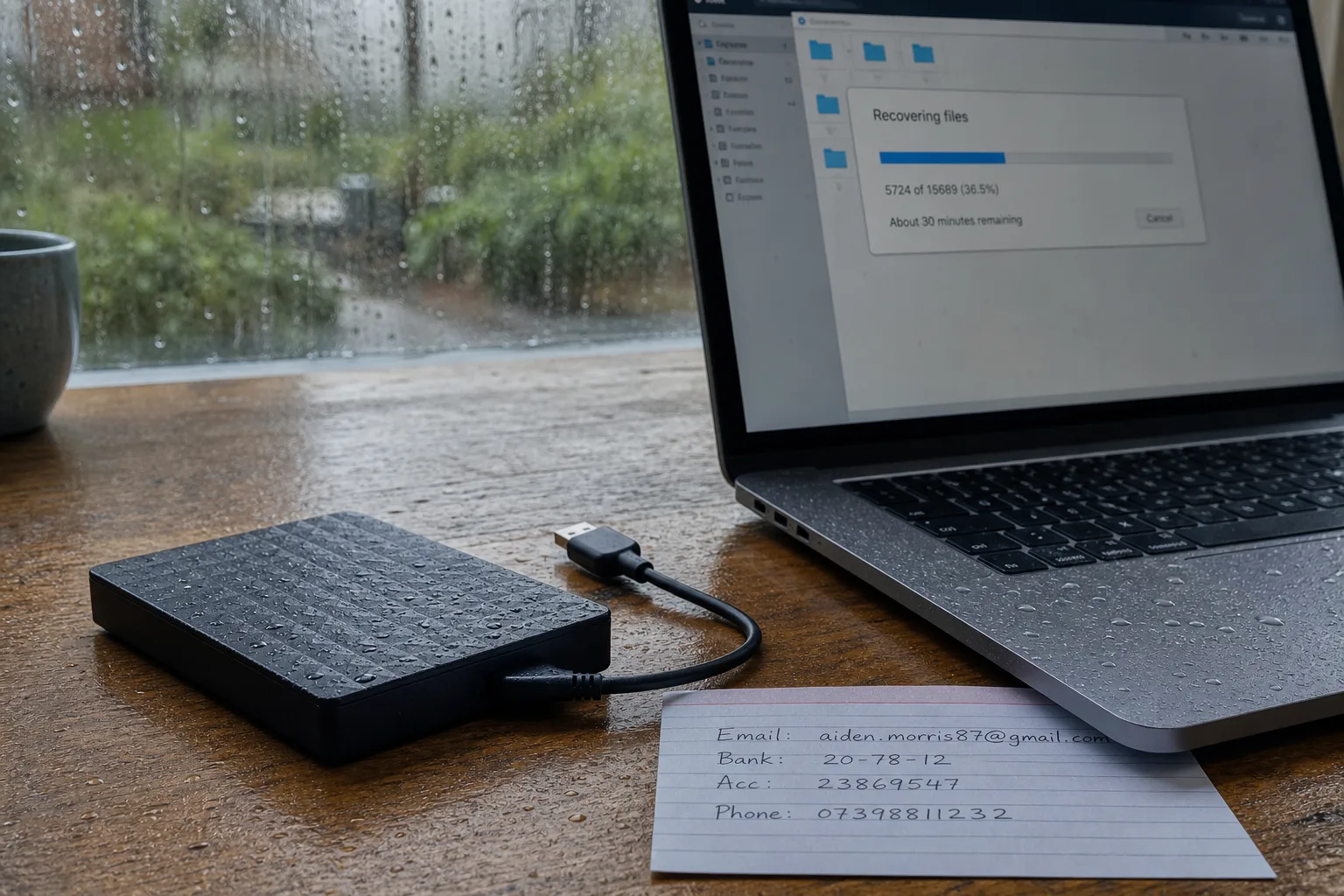
The file you will need back is almost never the one you are picturing. People buy backups imagining a dropped laptop, and then lose data to a ransomware note, a bad sync, a teenager emptying a shared folder, or a slow corruption that nobody noticed for five weeks. Those four events have almost nothing in common except the outcome, and the arrangement that survives one will sometimes make another worse. If you are setting this up for the first time, and particularly if you are setting it up for a parent or a small office where someone else will be the one calling you, the useful comparison is not price. It is what each option hands back, and when.
Sync looks like a backup on the plan drawing and is not one in the room
A folder that mirrors itself to a cloud account feels like safety because the files are visibly in two places. The catch is that mirroring is bidirectional and fast. Delete a folder on the laptop and the deletion propagates; encrypt the contents with malware and the encrypted versions propagate too. Most consumer sync services keep deleted items and prior versions for a window, often measured in weeks, which is a real safety net and worth knowing the length of. But it is a retention policy attached to a convenience product, not a backup with its own schedule, and the recovery interface is built for one accidental deletion rather than a whole machine.
Three arrangements, and what each returns on the worst day
An external drive running an image backup returns the entire machine: operating system, applications, settings, the browser bookmark you forgot you cared about. Recovery is fast because the data is in the building, and it costs a one-time hardware purchase. It is also in the building during a fire, a burglary and a flood, and if it stays plugged in permanently, ransomware reaches it. A paid cloud backup service inverts every one of those traits. It survives anything that happens to the house, keeps versions going back months, and typically holds copies out of reach of the machine being backed up. Restoring a full system from it takes hours or days over a home connection, and it bills monthly.
A network drive sitting on the shelf splits the difference and adds administration. It backs up several machines at once, keeps everything local and fast, and can push a second copy off-site on its own schedule, which is genuinely the strongest position of the three. It is also a small computer that needs firmware updates, a password that is not the default, and a person who remembers it exists. For a household setting this up cold, that last requirement is the one that fails. The National Institute of Standards and Technology publishes guidance on data protection and recovery practices, and the consistent theme across it is that a control nobody maintains is not a control.
The restore test is an afternoon, and it changes what you buy
Run the test before you commit to a plan, not after. Pick three things: a document from a month ago, a photo from two years ago, and the whole user profile from a machine you can afford to interfere with. Then try to get each one back, on a clock, without reading the vendor's marketing pages. What you learn is specific and slightly humbling. You find out whether the old version actually exists or only the current one, whether the photo library is stored in a format you can open outside the app that made it, how long the full restore takes at your upload speed, and whether the recovery flow demands a code sent to a phone number that belongs to somebody who has moved out.
Write down the two things the other person will not know
If you are arranging this for someone else, the technical choice matters less than what gets recorded. Two facts need to exist on paper somewhere findable: where the copies live, and how a person who is not you unlocks them. That means the service name and the account email, the location of the drive, the encryption passphrase or where it is kept, and the plain statement of what is covered and what is not. Agree the boundary out loud. A backup that includes the desktop but not the tax folder on the second drive is a reasonable arrangement and an unreasonable surprise.
The comparison that holds up over years tends to be an image backup on a drive that gets disconnected, plus a cloud service with version history running quietly underneath it, tested twice a year on a date already in the calendar. Cheap, unglamorous, and it gives back the file.