Strong Password, Account Taken Anyway? Where the Break Actually Happens
Most compromised accounts were never guessed. A look at how logins really fail, and what the changed advice asks of you instead.
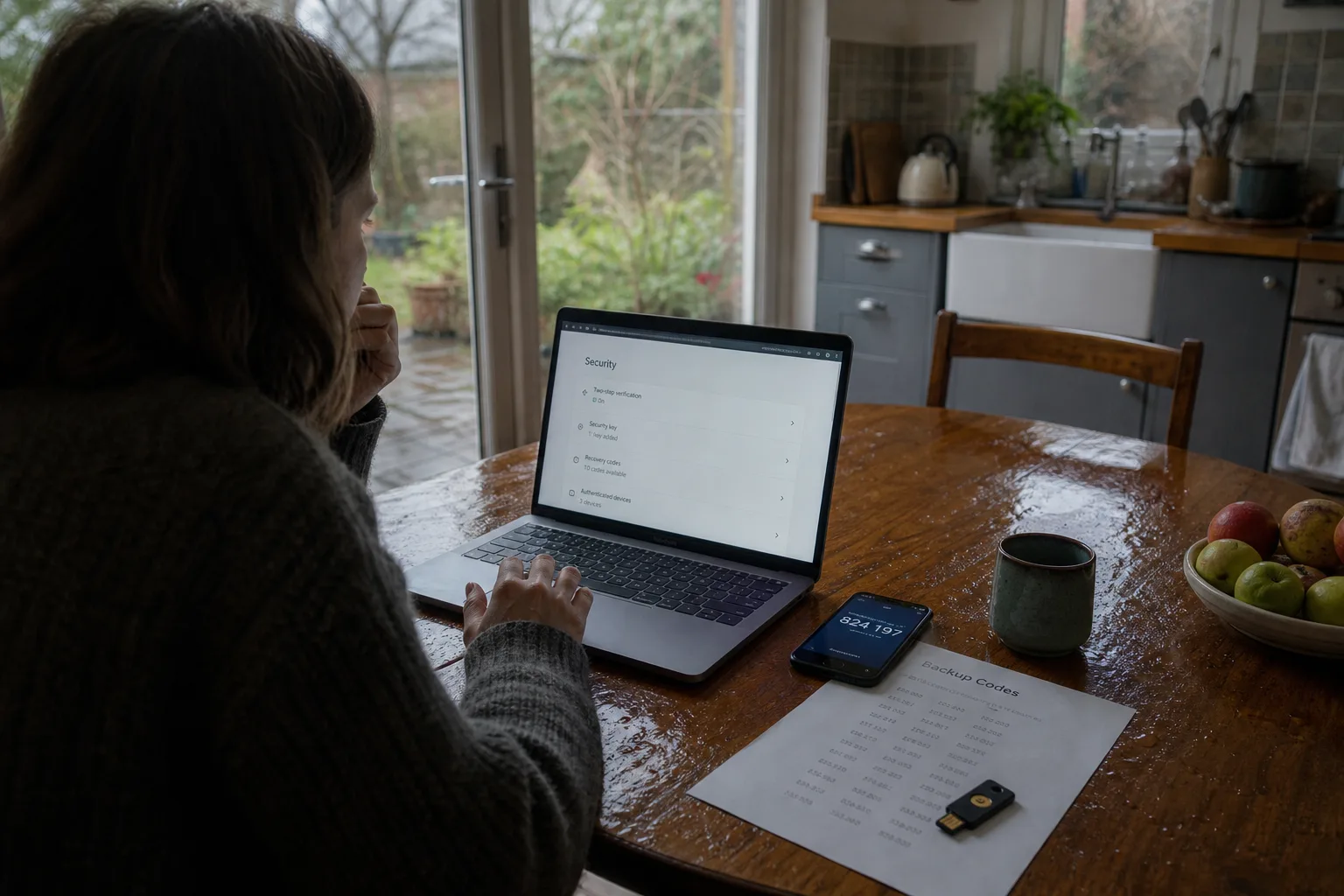
Most accounts that get taken were never guessed. Somebody logged in with a password that was already correct, collected from a breach at a company the customer barely remembers using, then tried against forty other services by a script that costs almost nothing to run. The password was not weak in the way the old training implied. It had a capital letter, a digit and an exclamation point, and it was used in two places. That is the whole story in the majority of cases, and it explains why the advice people were taught, with its symbols and its quarterly resets, protected against a threat that was never the main one.
The attack is a login, not a guess
From the customer's side, a compromise almost never looks like an attack. There is no warning, no lockout, no repeated failed attempts. There is a login from a city you have not visited, and sometimes not even that, because the notification email went to an address you stopped checking in 2019. The attacker did not break anything. They typed a working username and a working password into a normal login form, because the pair had already been published after some unrelated company lost its database, and because the same pair opened an account that actually holds money or mail.
This changes what counts as a strong password. A twelve-character string of nonsense is not strong if it protects six accounts, and a shorter passphrase is not weak if it protects exactly one and appears in no breach list. The question stopped being how hard a password is to compute and became how many doors it opens. That shift is why the modern advice sounds so much less demanding than the old advice, and why people who followed the old rules faithfully feel they were given bad instructions. In a narrow sense, they were.
Length does the work that symbols were supposed to do
The National Institute of Standards and Technology is responsible for the digital identity guidance that federal agencies work from, and the direction of that guidance moved away from forced complexity and scheduled expiration toward longer secrets checked against lists of passwords known to have leaked. The reasoning is plain once you see it from the user's end. Complexity rules produce predictable human output: a capital at the front, a digit and a symbol at the back, a season and a year. Expiration rules produce the same password with the number incremented. Both make the string harder for a person to remember and barely harder for a machine to try.
Length, by contrast, is cheap for a person and expensive for a machine. Four or five unrelated words, typed as one string, gives you something you can recall under pressure and something no dictionary attack walks through quickly. The practical catch is that you cannot invent dozens of those and keep them straight, which is why the advice quietly stopped being about how to compose a password and started being about where to keep one. The memory problem moved from your head to a tool, and the tool became the thing worth choosing carefully.
Your recovery address is the account that matters
Every service you use has a back door you installed yourself, and it is the email address and phone number on file for resets. Whoever controls that mailbox can walk through almost any other login in your life, one reset link at a time, without knowing a single password. Customers rarely rank their accounts this way. They protect the bank and the brokerage with care and leave the free email account from college, the one listed as recovery on thirty services, with a password chosen when the account was created and no second factor at all.
The practical move is to work backward from the recovery address. Give it the longest unique password you have, turn on the strongest second factor it supports, and look at what the provider will accept as proof if you are ever locked out, because that answer is also what an attacker has to satisfy. Then check which phone number is listed, especially if you have changed carriers, since a number released back into circulation and reissued to a stranger is a real and unglamorous way for a reset code to reach the wrong hands.
Second factors, ranked by what happens when something goes wrong
A code texted to your phone is better than nothing and worse than the alternatives, because it depends on a carrier employee not being talked into moving your number to another SIM. A code from an authenticator app is held on your device and cannot be transferred by a phone call. A hardware key is a physical object you tap, and it will not hand over anything to a convincing imitation of a login page, which is the failure mode that catches careful people. Passkeys work on the same principle, with the secret stored on your device and the site never receiving anything reusable.
Judge all of them by the recovery path, not the setup screen. Ask what happens when the phone is lost, stolen or replaced, because that is the day the second factor stops being a convenience and starts being the obstacle. Print the backup codes and put them somewhere a fire would not reach. Register a second hardware key and leave it at a different address. Confirm whether your passkeys sync through an account you control or live only on one device, since the answer determines whether a cracked screen is an afternoon of annoyance or a week of identity verification calls.
What happens when the company holding your keys shuts down
Password managers and passkey providers are businesses, and businesses get acquired, change pricing or close. The question to ask before you commit is whether the product will give you your data back in a form you can use somewhere else, which in practice means an export to a plain file and an import path at a competitor. Services built on open standards are easier to leave, and passkeys are increasingly portable between platforms by design. Check the export function once, early, while nothing is wrong, and keep an encrypted copy of the vault somewhere that does not depend on the vendor's servers.
The same reasoning applies to the accounts themselves. If a service you rely on for sign-in disappears, every site where you clicked the button to log in through it becomes a recovery exercise. Keeping a real password or passkey on your important accounts, rather than relying entirely on a single identity provider, costs you nothing in daily use and removes a dependency you do not control. It is the same instinct that tells you to keep a physical key for the door that normally opens by app.
The work in front of most people is not building better passwords. It is finding the handful of accounts that everything else hangs on, giving each one a unique secret and a second factor with a recovery path you have actually tested, and letting a tool carry the rest. An hour spent that way puts you ahead of almost every attack that reaches ordinary customers.